Classic
The original rules: eat apples, grow longer and don’t hit the walls or your own tail.
Play Snake online for free — the classic Google Snake game, right in your browser. Choose a mode, the number of apples, speed and board size, and beat your best score.
Found a bug or have an idea?
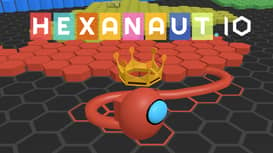 Hexanaut.io.io
 Cubes 2048.io.io
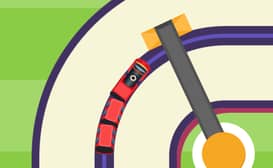 Train SnakeArcade
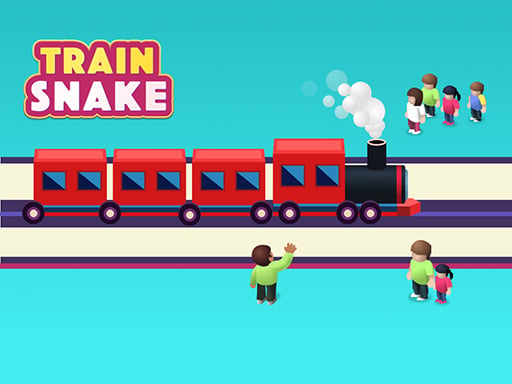 Train Snake RunArcade
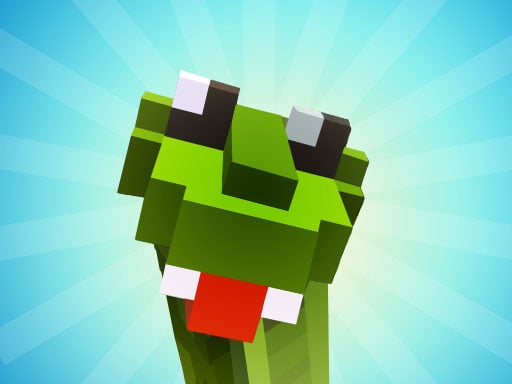 Cool SnakesClassic
 Fun SnakeClassic
 Greedy SnakeClassic
 Inky SnakesClassic
 Alien Slither SnakeSlither
 Forest Slither SnakeSlither
 Snake BlastArcade
 Snake RunArcade
 Snake CubePuzzle
 Snakes and LaddersBoard
 Lof Snakes and LaddersBoard
Twenty ways to play the same classic, from a Bullet Heaven survival run and snake Breakout to a new Daily Challenge every day. The main modes each have a global leaderboard.
The original rules: eat apples, grow longer and don’t hit the walls or your own tail.
A snake bullet heaven run: every body segment is an auto-firing weapon. Survive the waves, eat gems to level up and pick upgrades, and circle enemies with your body to wipe them out. Lose segments and you lose firepower.
Snake meets Breakout: a little white snake is your paddle and can roam the whole board, wrapping around the edges. Pick speed 1, 2 or 3, bounce the ball into the bricks, don’t let it fall off the bottom, and never touch a brick yourself.
The edges are open. Leave the board on one side and you come back on the other.
Every apple you eat drops a new block somewhere on the board, so space runs out fast.
Two pairs of portals. Slide into one and you pop out of its twin, still moving the same way.
No game over. The snake simply waits when it would crash — perfect for relaxing. Not ranked.
A new rule and the same board for everyone, every day. Keep your streak going.
Every apple is locked in a box. Grab the key first, then eat it.
Lights out: you only see the board right around your head.
Each apple makes the snake a little faster. How long can you keep up?
Each apple turns the back half of your tail into stone statues. The board slowly fills with obstacles you made yourself.
Every apple swaps your head and tail, so you suddenly travel the other way. Plan where your tail ends up.
Apples arrive in crates. Push each crate onto the X of the same colour to open it — a crate stuck against a wall is a wall.
Hidden mines lie under the grass. The cells you crawl over show how many mines touch them, just like Minesweeper.
Your head is a magnet: apples within four squares slide one step toward you on every move.
Pick up a shield and it absorbs your next crash. The snake stops and waits for you to choose a new direction.
Arrow tiles grab the snake and turn it the way they point. Use them as shortcuts or get thrown into trouble.
To start playing snake, open the website snakefun.org and click the "Play" button. You will see a board with a snake inside, press any arrow key or tap on the screen to make the snake start moving.
Use the arrow keys on your keyboard to control the direction of the snake. The goal is to eat the apple-shaped food that randomly appears on the playground. Each piece of food the snake eats makes it longer.
As the game progresses and your snake grows longer, you need to avoid crashing into the walls of the playing area or into the snake's own body. The game ends if the snake hits a wall or itself. The challenge is to keep the snake moving and eating food without colliding with any obstacles, aiming to achieve the highest score possible by making the snake as long as you can without ending the game.

Test your skills in the Google Snake game! Google Snake Game is a classic browser game. It originated from an Easter egg of the Google search engine in 2013, and its prototype was the Snake game in the early years. The gameplay is quite simple. Players use the direction keys to control a pixelated snake to move around on the game board, eat the small balls to make the snake grow longer, and at the same time, they have to avoid hitting the walls and the snake's own tail.
It's very easy to play snake! Just go to snakefun.org and click the "Play" button. Next, use the arrow keys or tap on the screen to start the game.
In the Google Snake Game, use the arrow keys on your keyboard to control the snake's direction. You can press the up, down, left, or right arrow keys to move the snake accordingly.
The snake grows by eating the food that appears on the screen, which usually looks like dots or apples. Each piece of food the snake eats makes it longer, increasing the game's difficulty as you try to avoid crashing into the walls or the snake's own body.
If the snake hits a wall or its own body, the game ends. The goal is to navigate the snake to eat as much food as possible without crashing, trying to achieve the highest score by making the snake as long as possible.
Yes, some versions of the Google Snake Game feature different levels or speeds. The game may automatically increase in speed as the snake consumes more food and grows longer, adding to the challenge.
This game is a Google-style snake game you can play online for free in your browser. It is an independent game made by SnakeFun and is not affiliated with Google.
Use the arrow keys or WASD on desktop, or swipe on mobile, to guide the snake and collect apples without crashing. Press Space to pause.
Yes. The game works on phones and tablets without downloads. Swipe on the board to turn, and tap the fullscreen button for a bigger board.
Twenty modes plus a Daily Challenge: Classic, Bullet Heaven, Breakout, No Walls, Walls, Portal, Cheese, Poison, Key, Dark, Speed, Statue, Twin, Sokoban, Minesweeper, Magnet, Shield, Arrows, Trophy and Peaceful (no game over). You can also choose 1, 3 or 5 apples, three speeds and three board sizes.
Every ranked game (all modes except Peaceful) can be submitted to the global leaderboard under a nickname. Points are apples eaten × a speed bonus (Slow 1, Normal 2, Fast 3) × an apple bonus (1 apple 1.5, 3 apples 1.2, 5 apples 1). Only your best result per mode is shown, with Today, This week and All time views.
The game's mechanics are easy to understand, making it accessible to players of all ages and skill levels. All you need to do is control the snake's movement to collect food and avoid crashing into walls or yourself.
Google Snake is free to play and doesn't require any downloads or installations. You can access it directly from your browser with a quick search.
The game requires quick reflexes and concentration as the snake speeds up with every piece of food it consumes. This helps players improve their hand-eye coordination and reaction time.
For many, Google Snake invokes a sense of nostalgia, as it's a modern version of the classic snake game found on older mobile phones, adding a fun, retro aspect to the gaming experience.
Like Google's Dinosaur game, Snake can be played without an internet connection, making it a great option to pass time during network downtime.
Some versions of Google Snake offer options for customizing gameplay, such as changing the speed, snake size, or game grid, allowing users to personalize their experience for more variety and challenge.